Import from Safari
My Recipe Pad can import recipes directly from any website that contains a recipe. It supports importing recipes from practially anywhere in any language. If you find a recipe that does not work as expected, please contact us at support@sparkleap.io.
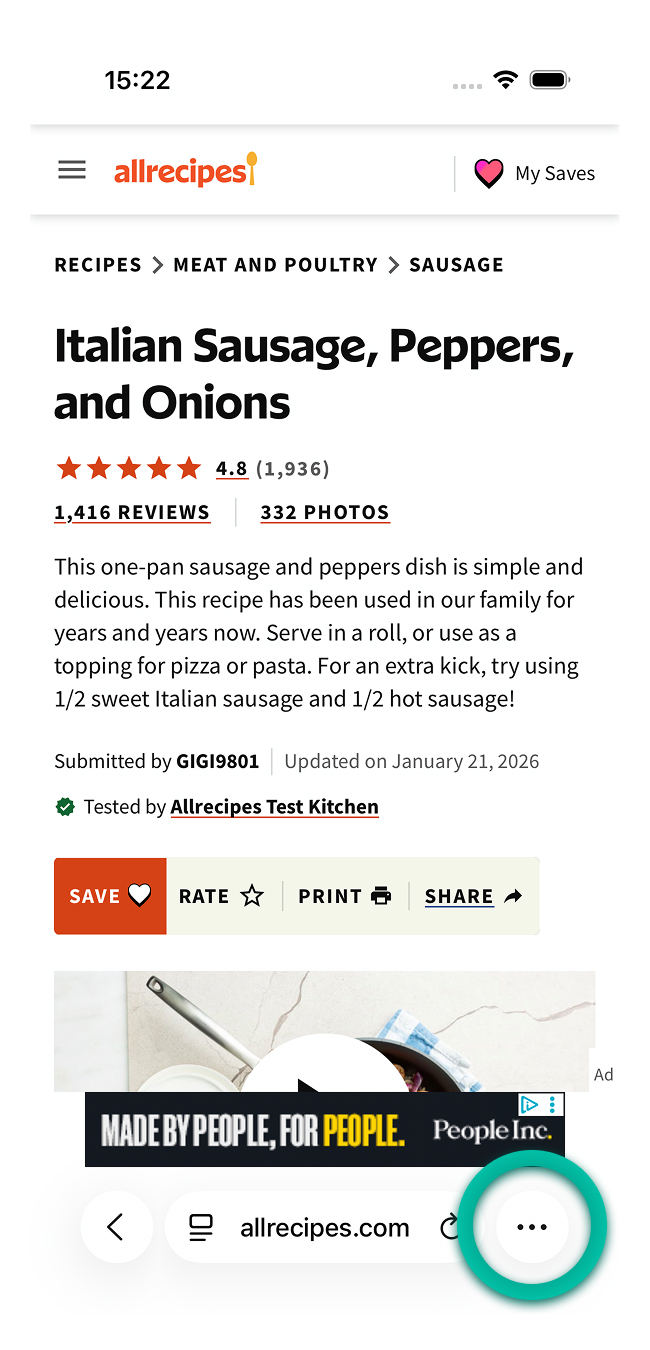
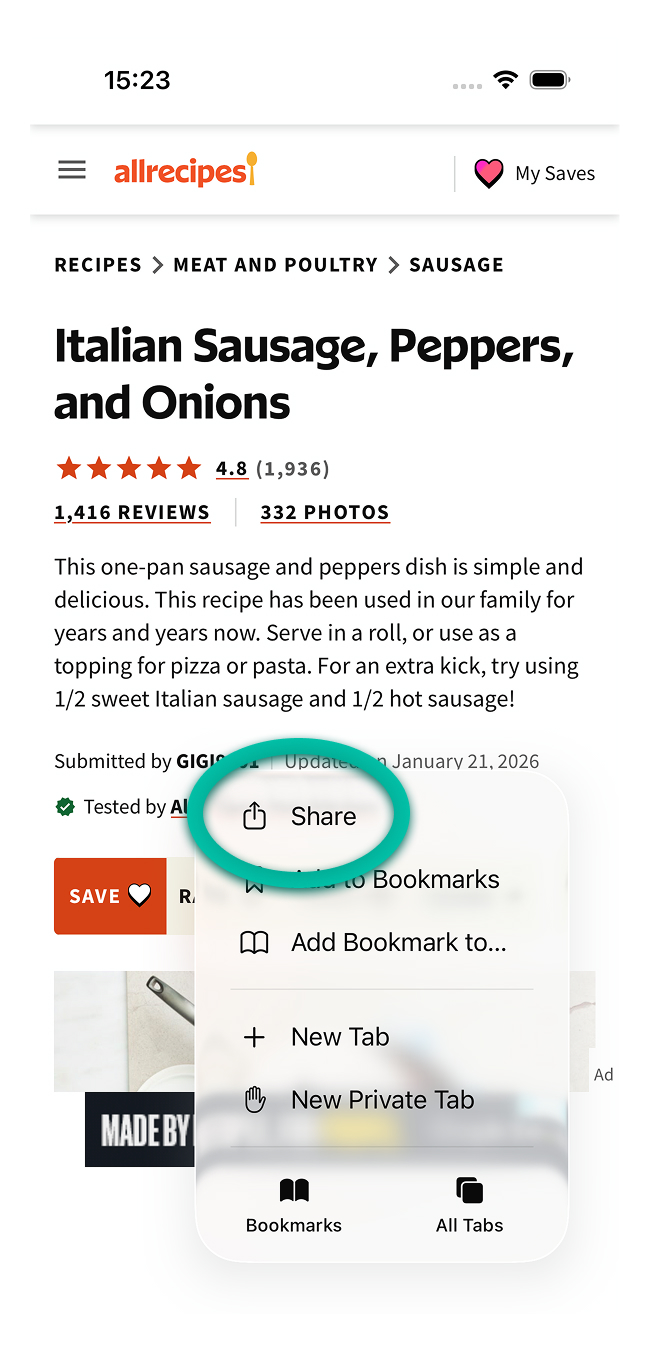
Tap share
When viewing a recipe in a web browser, f. ex Safari, tap the Share icon.
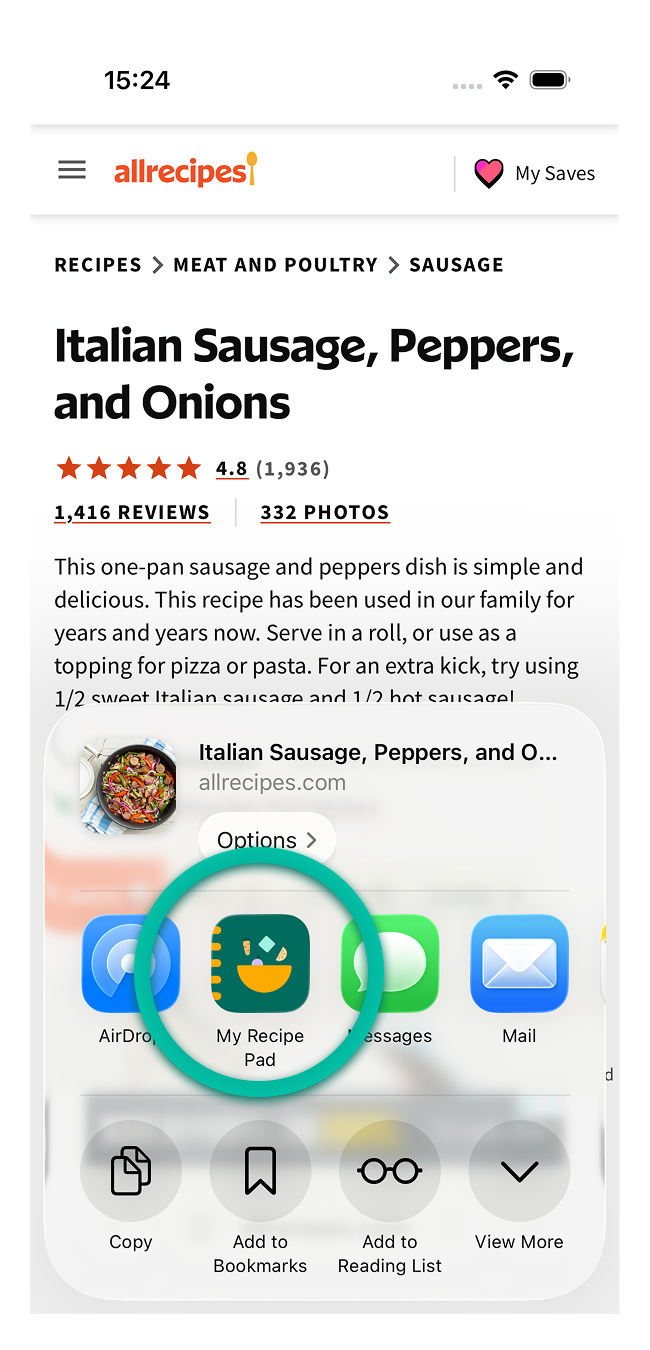
Select My Recipe Pad
Scroll to find My Recipe Pad in the share sheet menu and tap.
Import starts
Tapping My Recipe Pad will automatically start the import. When it is done you can choose to save it to your library.
tip
If you want easier access in the share sheet, see Add to share sheet.