Import by copying and pasting a link
Copy a link
Copy the link you would like to import a recipe from to your clipboard.
Open the import screen
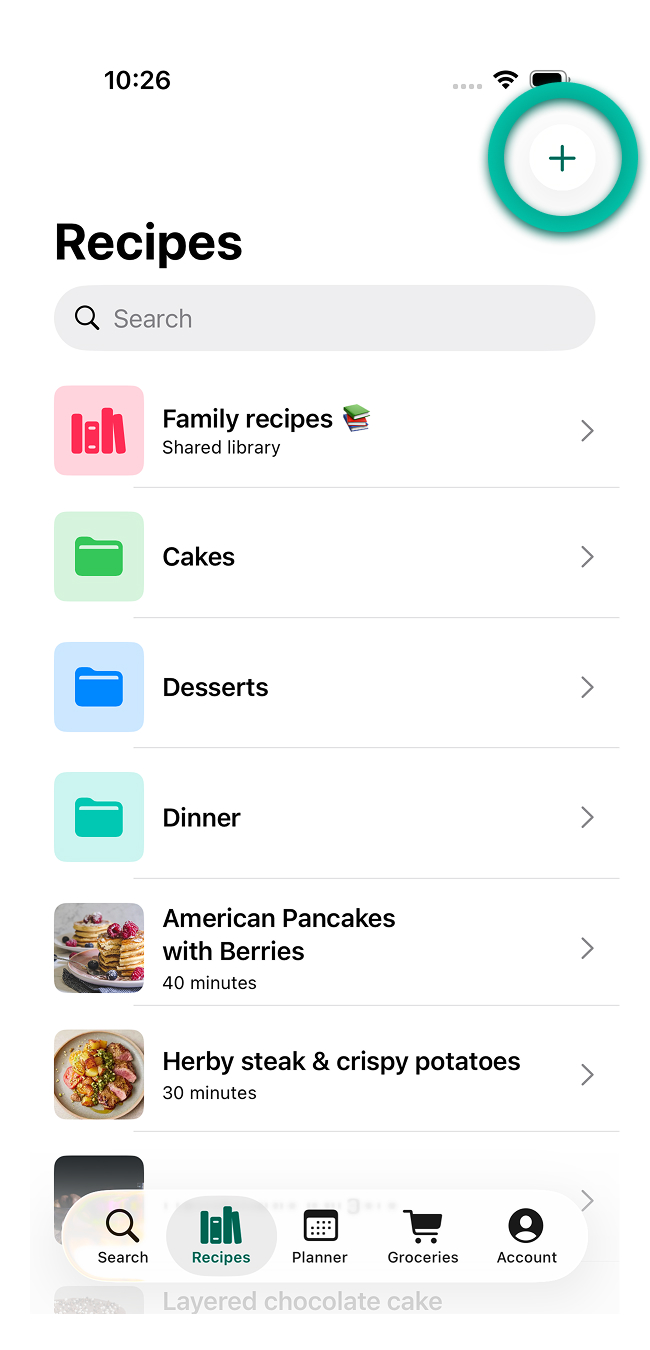
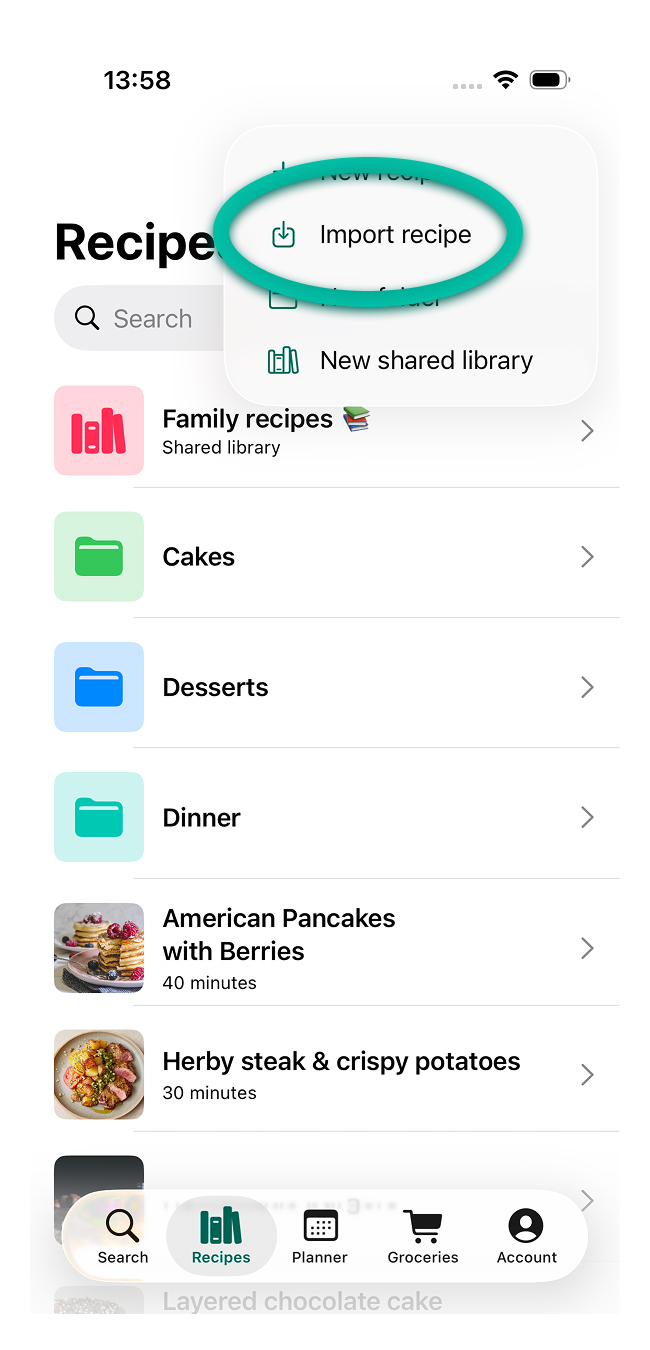
Open My Recipe Pad, go to the Recipes tab, and tap + then Import recipe.
Paste the link
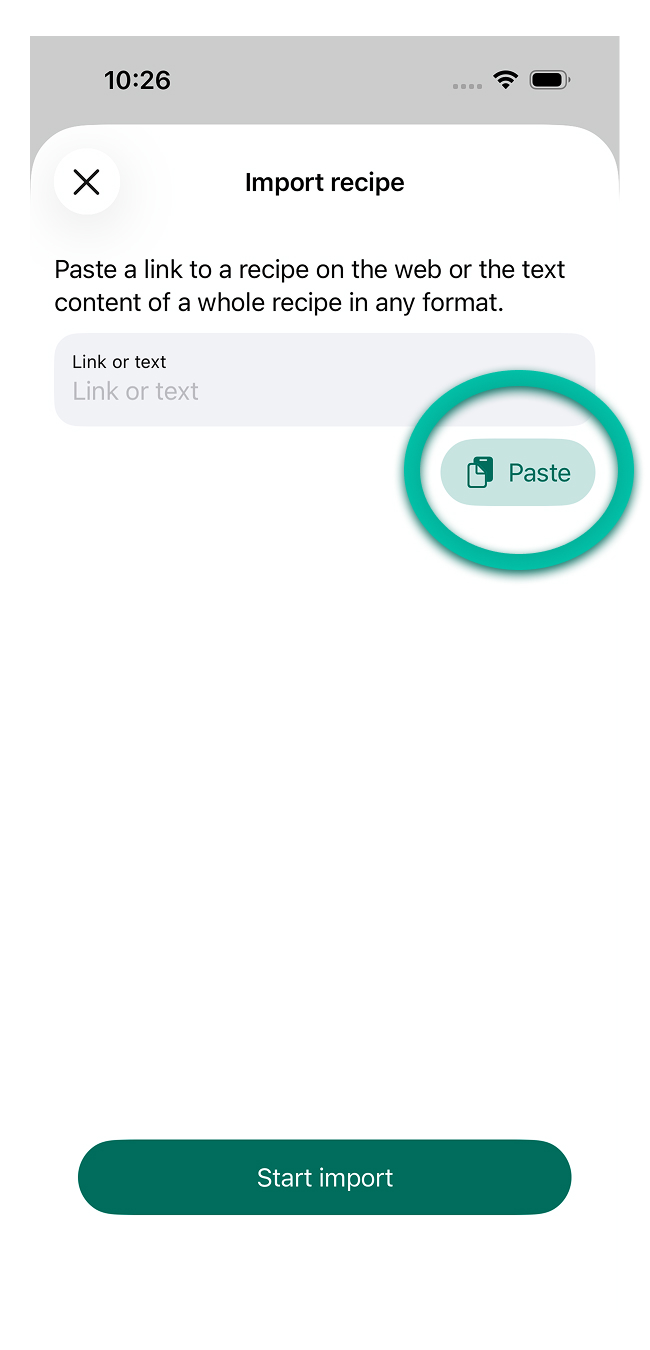
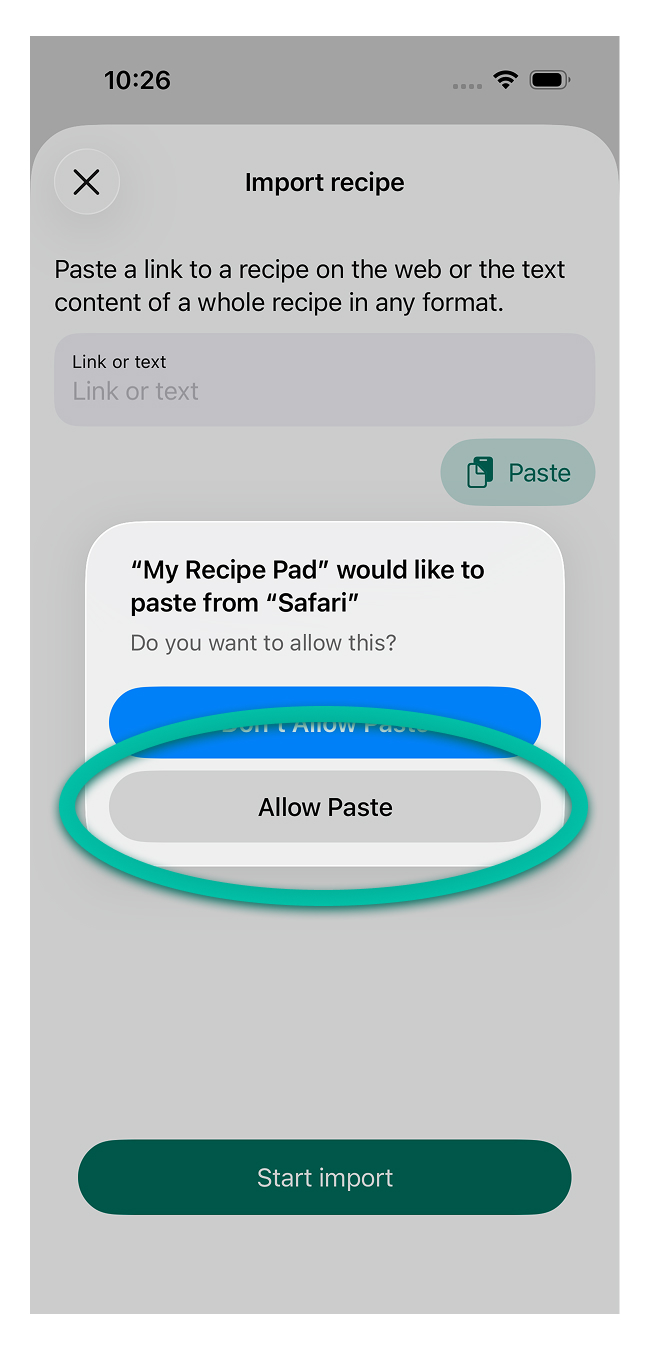
Tap Paste, Allow paste then Start import.
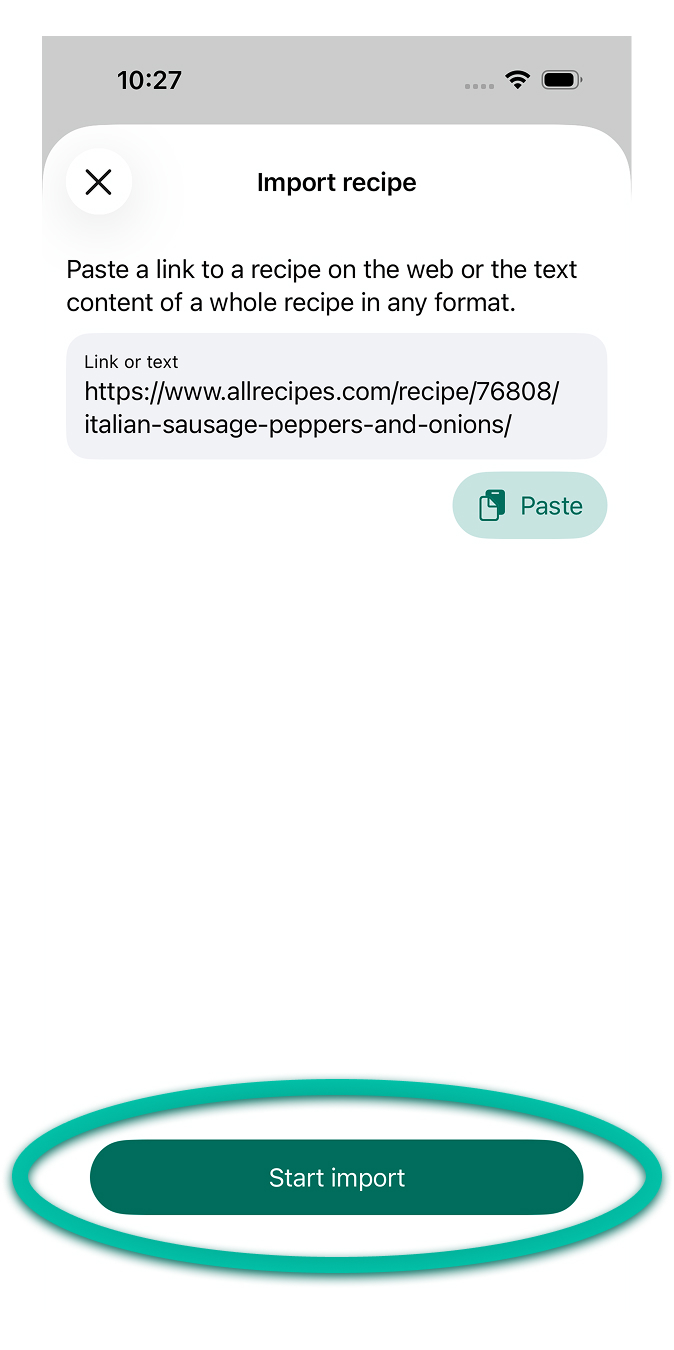
When the import is done you can save the recipe to your library.
tip
If you want to skip the "Allow paste" each time, see Allow pasting.